

Real Estate Tips
Catch-Up Bookkeeping for Realtors: How to Fix Months of Missing Expenses
Months behind on bookkeeping? Here's a 5-step process to recover receipts, sort your expenses and get your books current without starting from scratch.
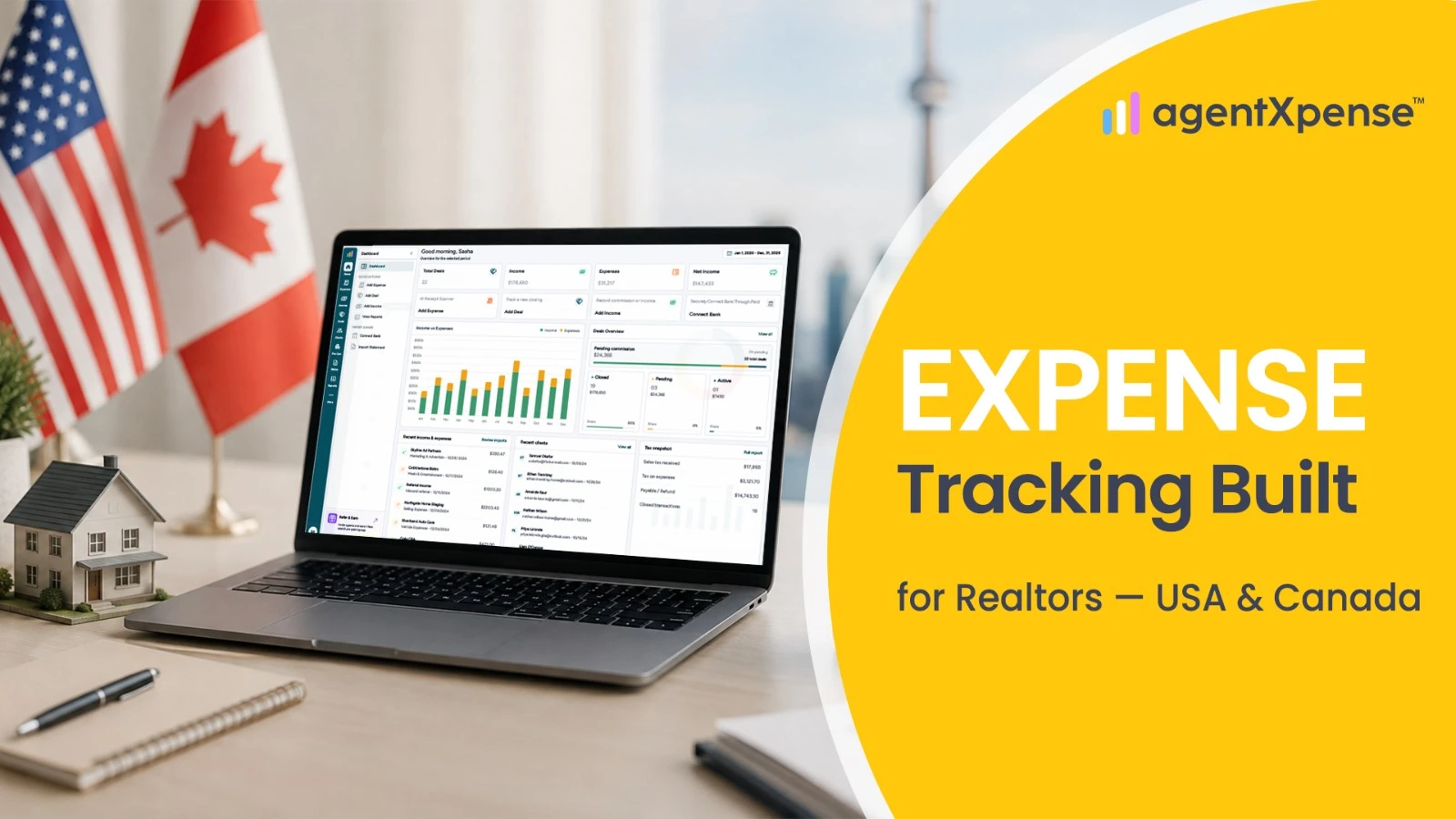
A single closed deal can involve a dozen small purchases before it ever reaches the closing table — photography, staging, signage, parking, a client lunch, a few dollars in printing. None of them look significant on their own. Added up across a year of listings and showings, they're often the difference between a deal that looks profitable and one that actually is. Expense tracking software for Realtors in the USA and Canada gives agents a structured way to record those costs as they happen, categorize them consistently, and keep the receipts attached — instead of reconstructing a year of spending from memory every spring.
Whether it's called a real estate expense tracker, an expense management tool, or simply bookkeeping software for realtors, the goal is the same: keep business spending organized close to the moment it happens, not months later.
Expense tracking is the process of recording every business-related purchase — who it was paid to, when, how much, and what it was for — as it happens, rather than after the fact. Agents searching for a realtor expense tracker, a real estate agent expense tracking app, or a receipt tracking tool are usually looking for the same core function: a single place to log purchases instead of a spreadsheet and a shoebox of paper receipts.
A useful expense record typically includes:
Vendor and category
Date and amount
Tax type (whether tax is included, added separately, or not applicable)
A note or description
The receipt itself
Optionally, the deal it's tied to
Recorded this way, an expense isn't just a number in a spreadsheet cell — it's tied to a category, a receipt, and sometimes a specific transaction, so it still makes sense when it's reviewed months later.
Generic accounting software starts with a blank chart of accounts. AgentXpense starts with 13 default expense categories built around how Realtors actually spend money: Marketing & Advertising, MLS & Association Dues, Vehicle Expenses, Office Rent & Supplies, Phone/Fax/Internet, Meals & Entertainment, Home Office Deduction, Selling Expense, Education/Seminar & Training, Technology & Equipment, Interest & Bank Charges, Legal & Professional Fees, and Misc.
Categories can be added, renamed, or deleted as needed — a category can only be deleted if it has no transactions attached, so existing records stay intact. For agents who split marketing spend by property type, or want a category specific to their brokerage's fee structure, custom categories cover that without breaking the default set.
Adding an expense takes a category, a vendor (autocomplete suggests vendors used before), a date, an amount, a tax type, and an optional note — with a deal link if the expense is tied to a specific transaction.
The tax type field does the math automatically:
Tax Type | Meaning |
None | No sales tax applies to this expense |
Inclusive | The amount entered already includes tax |
Exclusive | The amount entered is before tax is added |
Subtotal, tax amount, and total are calculated as the amount is typed, so there's no separate calculator step for every gas receipt or ad invoice.
Duplicate detection runs automatically. If a new expense looks like it might already exist — same vendor, amount, and date — a prompt appears asking whether to merge it with the existing record or save it separately, which catches the kind of double-entry that's easy to make when a receipt gets photographed twice.
Uploading a receipt when adding an expense triggers OCR and AI extraction, which reads the vendor, date, amount, and tax type where detectable, then pre-fills the form. Fields the AI filled in are marked so they're easy to spot — they're a starting point, not a final answer, and should be checked before saving. The receipt itself appears in a split-pane viewer alongside the form, with tools to zoom, rotate, download, or swap the file if the wrong one was uploaded.
Category suggestions work the same way — the system compares a vendor to past categorizations and suggests a match, with a confidence level attached. A high-confidence match (a vendor used many times before) applies automatically; medium or low-confidence suggestions are shown but should be confirmed. The more expenses recorded, the more those suggestions reflect an agent's actual vendors, not a generic rule set.
Attaching a receipt to an existing expense — when editing a record after the fact — works differently: the file is stored, but AI doesn't re-run and overwrite data that's already been entered.
An expense on its own says what was spent. Linked to a deal, it says what that specific transaction cost to close.
Photography, staging, signage, or a closing gift can each be tied to the deal they were spent on, right from the Add or Edit Expense form. Reviewing that deal later shows the full picture — commission earned and money spent — instead of a commission figure with no context around what it took to get there.
Come tax time, a single Download Receipts action pulls every matching receipt for a selected date range into a ZIP file — expense receipts, income receipts, or both. Instead of forwarding individual photos or digging through a cloud folder, a full year of receipts can go to an accountant in one file.
A spreadsheet can hold a running list of numbers. What it can't do on its own is catch a duplicate entry, remember which vendor belongs to which category, or keep the receipt attached to the line it belongs to.
Spreadsheet Tracking | Dedicated Expense Tracking (AgentXpense) |
Categories set up manually, applied inconsistently | 13 built-in real estate categories, customizable |
Receipts stored separately, easy to lose track of | Receipts attached directly to each expense |
Vendor and category typed fresh each time | Autocomplete and category suggestions from past entries |
Duplicate entries go unnoticed | Duplicate detection flags likely repeats before saving |
Tax subtotal calculated by hand | Subtotal, tax, and total calculated automatically by tax type |
Receipts gathered manually at tax time | Bulk ZIP download for any date range |
The mechanics of recording an expense are the same in both markets. Where things differ is tax handling.
Area | USA | Canada |
Expense records | Vendor, category, amount, tax type | Vendor, category, amount, tax type |
Sales tax | Rules vary by state and locality | GST/HST considerations may apply depending on registration status |
Vehicle expenses | Business-use vehicle costs may need documentation | Business-use vehicle and kilometer records may be relevant |
Tax filing | Depends on business structure and individual circumstances | Depends on business structure, province, and registration status |
AgentXpense's sales tax rate is set once in the agent's profile and applied automatically through the tax type field on every expense. There's a Vehicle Expenses category for recording business-use vehicle costs, alongside the other 12 default categories. AgentXpense doesn't file taxes or calculate GST/HST remittances — that stays with a qualified accountant or tax professional.
A quick walkthrough of how this looks in practice.
An agent leaves a listing photography session and photographs the invoice on their phone. Uploading it through Add Expense triggers AI extraction — vendor, date, and amount are pre-filled, the category suggests Marketing & Advertising based on past entries, and the agent links it to the deal it belongs to before saving.
A week later, a gas station receipt gets logged the same way, categorized under Vehicle Expenses, with no deal link since it's general business driving rather than a specific transaction.
At month-end, the Expense Summary view shows a pie chart of spending by category — marketing, vehicle, MLS dues, and the rest — for a quick read on where the money actually went. At tax time, a Download Receipts request for the full year pulls every attached receipt into one ZIP file, ready to hand off.
Switching from a spreadsheet doesn't mean retyping a year of purchases by hand. AgentXpense supports importing financial data through CSV, Excel, and PDF — spreadsheet files use AI-assisted column mapping, PDF statements go through OCR and AI extraction. Imported transactions land in Transaction Review first, where each one gets a category and tax type before becoming part of the ledger.
Expenses can be exported to CSV, and expense reports — Summary, List, or Monthly — can be printed directly from the browser.
Expense tracking matters most for agents juggling several small purchases a week rather than one large invoice a month — marketing spend spread across listings, vehicle costs from constant showings, MLS and association dues, and the occasional client gift or meal. It's particularly useful when those costs need to stay tied to the deal they belong to, or when a full year of receipts needs to be handed to an accountant without reconstructing it from a shoebox of paper.
An expense that isn't recorded when it happens usually isn't recorded accurately later. Categorizing spending consistently, attaching the receipt at the time of purchase, and linking costs to the deals they belong to means that work never has to be redone under deadline pressure.
AgentXpense keeps expense tracking tied to real estate-specific categories, AI receipt scanning, deal links, and bulk receipt export — all inside the same workspace as Deals, Commissions, Income, and Reports. For Realtors in the USA and Canada looking for expense management software, a receipt tracker, or simply a more organized approach to bookkeeping than a spreadsheet, that means spending stays organized as it happens, not reconstructed after the fact.
It's software that helps Realtors record and categorize business expenses — marketing, vehicle costs, MLS dues, and similar purchases — as they happen, with receipts attached and totals calculated automatically, instead of reconstructing spending from memory or paper receipts later.
Yes. AgentXpense includes 13 default categories built around common Realtor expenses, and custom categories can be added, renamed, or removed as needed.
Uploading a receipt triggers OCR and AI extraction that reads the vendor, date, amount, and tax type where detectable, then pre-fills the expense form. AI-filled fields are marked for review before saving.
Yes. If a new expense matches an existing one by vendor, amount, and date, a prompt appears asking whether to merge it with the existing record or save it separately.
The right expense tracker for a Realtor is one built around real estate-specific categories rather than a generic small-business chart of accounts. AgentXpense includes 13 default categories for common Realtor expenses, AI receipt scanning, and the ability to link expenses directly to deals — features a general-purpose expense app typically doesn't offer.
Categorizing expenses consistently throughout the year — rather than sorting them at tax time — makes it easier to see which purchases are likely deductible business costs. AgentXpense organizes expense records and reports for review by an agent or accountant; it doesn't calculate or file tax deductions itself.
AgentXpense combines expense tracking, income and commission tracking, receipts, deals, and financial reporting in one platform built for real estate professionals. It functions as a bookkeeping tool for organizing records — it doesn't file taxes or replace an accountant.
Yes. Any expense can be linked to the deal it belongs to, so the full cost of closing a specific transaction can be reviewed alongside the commission it produced.
Yes. A bulk Download Receipts action pulls expense and income receipts for a selected date range into a single ZIP file.
Yes. The tax type field and sales tax rate apply the same way in both markets, though specific filing requirements (including GST/HST in Canada) should be confirmed with a qualified tax professional.
Yes, through CSV, Excel, and PDF import, with AI-assisted column mapping for spreadsheet files and OCR/AI extraction for PDF statements. Imports go through a review step before becoming part of the ledger.
Months behind on bookkeeping? Here's a 5-step process to recover receipts, sort your expenses and get your books current without starting from scratch.
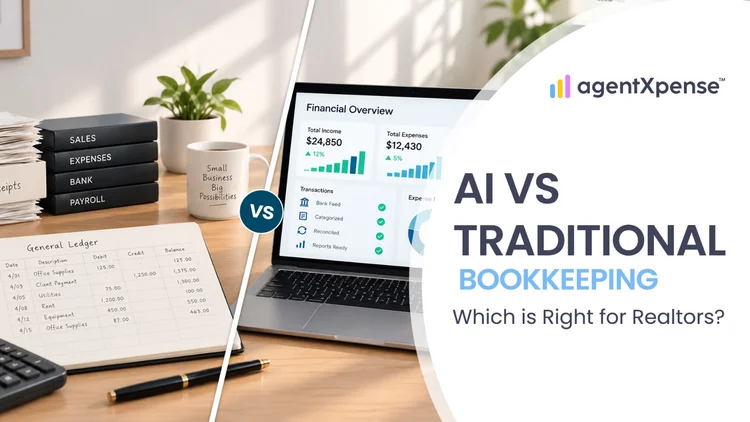
Should Realtors keep their books by hand, hire a bookkeeper or use AI? Compare the options on cost, time and accuracy before you decide.

Stop spending your 11 p.m. evenings sorting faded receipts. Learn exactly what AI bookkeeping can automate for real estate agents, where your human review still matters, and how Agent Xpense saves you hours of manual work.
2255 Dundas Street West, Suite 207 Mississauga, ON L5K 1R6
© Agent Xpense Inc. All rights reserved.