

Bookkeeping & Finance - Oct 15, 2026
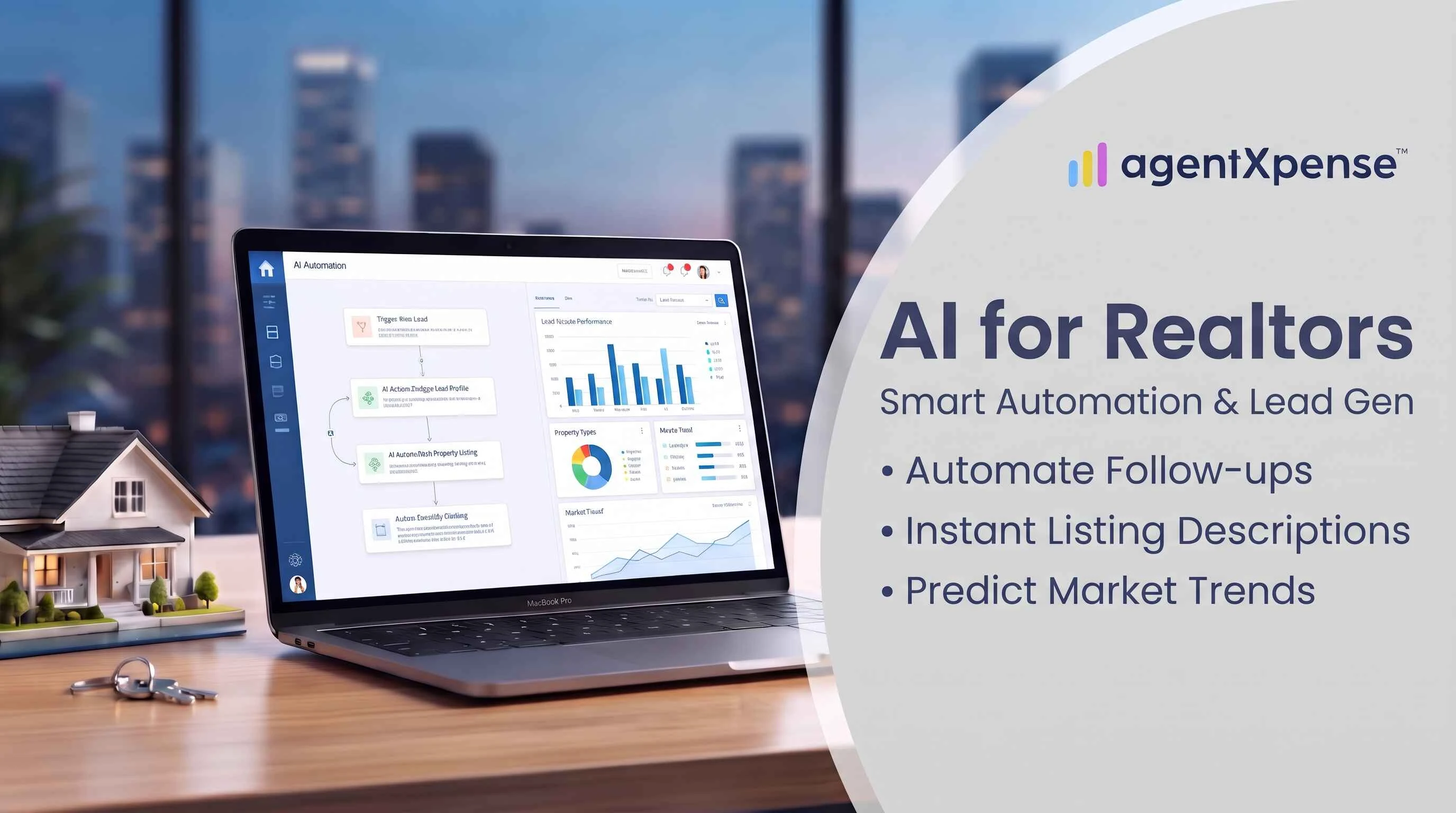
Quick answer: Real estate agents should use AI for repetitive, rules-based work that is easy to check: transaction reminders, meeting notes, receipt capture, expense categorization, statement imports, commission tracking, and financial reports. Client advice, negotiation, contract wording, fair housing-sensitive copy, and final tax decisions should stay with you and your professional team.
AI is now part of most real estate businesses. The 2026 Delta Real Estate AI & Leadership Survey, which covered more than 100 brokerage leaders, found that 97% say their agents use AI, up from about 80% in 2024. Daily habits are more modest. NAR's 2026 Technology Report found that 48% of surveyed agents use AI at least weekly.
So the useful question is no longer "Should I use AI?" It is "Which parts of my business should AI handle, and which should I keep?"
This guide answers that through the lens of workflow automation. Instead of a list of apps, it sorts the repeatable tasks that fill a Realtor's week (admin, follow-ups, receipts, bookkeeping, reporting) by how well they suit automation. It also gives you a simple way to keep every workflow accurate.
An RPR survey of 225 NAR members found that 92% are using AI or plan to use it, while 68% report saving at least one hour per week.
Most of that use is content creation. Delta found that 82% of agents use AI to write listing descriptions. That is a good start, and it points to a bigger opportunity. According to Delta, 55% of brokerage leaders plan to adopt or expand AI for CRM and workflow automation, the repeatable work that surrounds every deal.
Agents are also clear about their worries. In the RPR survey, the top concerns were:
Accuracy of outputs (63%)
Compliance or legal issues (49%)
Misinterpretation of market data (47%)
Fair housing (28%)
NAR's 2026 Technology Report identifies the learning curve (63%) and cost (59%) as two of the main barriers preventing real estate professionals from adopting new technology.
Together, these findings give you a filter. The best tasks to automate are repetitive, rules-based, and easy to verify. Judgment-heavy, client-facing, and legally sensitive work stays with you.
Automate (AI + your review) | Keep (you + your professional team) |
|---|---|
Receipt capture and expense categorization | Client advice and negotiation strategy |
Bank and statement imports | Contract wording and disclosures |
Transaction checklists and reminders | Fair housing-sensitive marketing copy |
Draft listing descriptions and follow-up emails | Market conclusions shared with clients as fact |
Commission tracking and financial reports | Final tax filing and legal decisions |
Admin work is the clearest win because it repeats and follows a pattern. Strong candidates include:
Transaction checklists and deadline reminders. Turn a contract date into a task list with due dates for conditions, inspections, and closing.
Meeting and call notes. Transcribe, summarize, and pull out action items.
Email triage and first drafts. Sort inbox traffic and draft routine replies, such as showing confirmations and document requests, for your approval.
Data entry between systems. Move client details from a form into your records.
Follow-up reminders. Schedule a nudge for each deal so every conversation has a next step.
Rule of thumb: If you could hand the task to a new assistant with a checklist on day one, it is a good candidate for automation.
For example, after a client meeting, an AI assistant can turn meeting notes into a follow-up email draft, identify important deadlines, and create a transaction task checklist. The real estate agent should review the information before sending emails or updating important records.
Marketing is where most Realtors already use AI, so the goal is to use it with intention. Let AI speed up production while your voice, local knowledge, and claims stay your own.
Drafting: listing descriptions, open house posts, market update newsletters, and email sequences.
Repurposing: turn one market update into a post, an email, and a short video script.
Lead follow-up: instant acknowledgments and scheduled nurture messages, so no inquiry sits unanswered.
Scheduling and reporting: queue posts and summarize what performed best.
Review every public-facing piece for accuracy, fair housing language, and your brokerage's guidelines before it goes live.
For example, an agent can provide verified property details such as bedrooms, bathrooms, square footage, location, and property features. AI can use these details to create a polished listing description, but the agent must verify every claim before publishing it.
Many agents run their business as independent contractors. Income arrives in lumps, commissions are pending or received, and expenses are spread across cards, apps, and glove boxes. That makes finance a natural fit for automation, because the inputs are structured: dates, vendors, amounts, and categories.
AI bookkeeping can help you:
Categorize transactions into realtor-specific buckets such as marketing, MLS and association dues, vehicle, meals, education, and technology.
Import bank activity and statements so you spend your time selling instead of typing.
Connect money to deals, so you can see the income and costs tied to each closing.
Track pending and received commissions, including brokerage deductions and installment payments on pre-construction projects.
Spot likely duplicates, so every transaction is counted once.
The strongest design is "AI suggests, you confirm." Imported transactions wait in a review queue where you assign categories and accept them. Nothing becomes an official record until you approve it.
Imagine an agent who closes three deals in a quarter. Over those months she pays for staging, signage, photography, MLS dues, vehicle costs on showing days, and a few client lunches. Each closing brings a commission payment with a brokerage deduction.
Without a system, this becomes a pile of receipts and a bank statement to decode at tax time. With a workflow in place, each receipt is captured the day it happens, each import is approved in a review queue, and each expense is linked to its deal. At quarter end, she can see what each closing cost her and hand her accountant a clean report.
Receipts are where good record-keeping habits are won. A staging invoice, a sign order, a client lunch, gas on a showing day: each is small, and together they add up over a year.
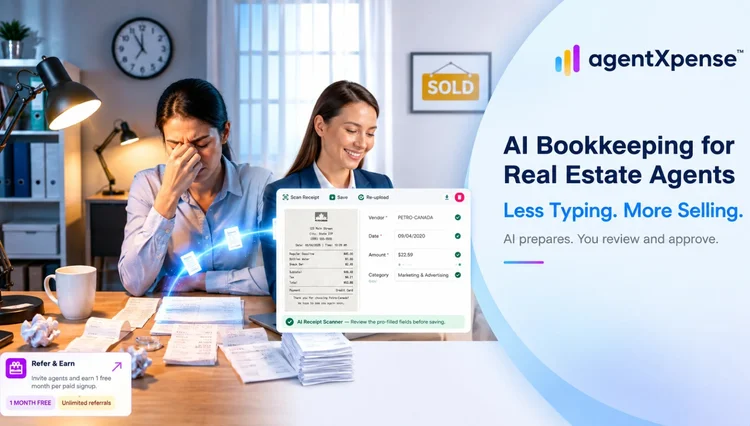
An AI receipt scanner makes capture quick:
Snap a photo or upload a PDF the moment you get the receipt.
The AI reads it and fills in the vendor, date, and amount, plus the tax type when it can detect one, and suggests a category.
You review the pre-filled fields, link the expense to the right deal, and save.
AgentXpense reads JPG, PNG, iPhone HEIC photos, and PDFs, up to 20 MB per file. Fields filled by AI are highlighted so you know what to double-check. Categorization improves as you confirm and correct transactions. The system also recognizes variations in vendor names, so "HomeDepot 1234" and "The Home Depot" land in the same category.
The result is a tidy record all year, with receipts stored alongside each expense. When your accountant asks for them, you can download a single ZIP of receipts for any date range.
Step | Manual (paper + spreadsheet) | AI receipt scanner |
|---|---|---|
Capture | Save receipts in a folder, type each one later | Snap a photo or upload a PDF on the spot |
Data entry | Vendor, date, and amount typed by hand | AI pre-fills the fields, you confirm |
Categorization | Pick a category from scratch each time | AI suggests one and learns your vendors over time |
Link to deal | A manual note in a separate sheet | Pick the deal in the expense form |
Year-end hand-off | Sort and re-type everything into a report | Print your financial report and download a ZIP of receipts |
Good categories make tax time faster. AgentXpense starts every account with 13 expense categories that map to common realtor deductions:
These categories help organize common real estate business expenses, but they do not automatically determine tax deductibility. Actual deductions depend on applicable tax rules, business use, and individual circumstances. Consult a qualified tax professional to confirm eligibility under the relevant US or Canadian tax rules.
Marketing & Advertising
MLS & Association Dues
Vehicle Expenses
Office Rent & Supplies
Phone/Fax/Internet
Meals & Entertainment
Home Office Deduction
Selling Expense
Education, Seminar & Training
Technology & Equipment
Interest & Bank Charges
Legal & Professional Fees
Misc
You can add, edit, or delete categories to match your business.
A report is your data summarized, so clean inputs produce clear outputs. That is why it pays to automate capture first and reporting second.
Reports worth automating:
Income, expenses, and net income for the year, a quarter, or any custom period
Category totals your accountant can use right away
Sales tax summaries showing tax received, tax paid on expenses, and the net payable or refund position
Closed-deal counts and commission totals
Pipeline and commission outlook for active and pending deals
Check your numbers monthly instead of once a year. A regular look at income, expenses, and tax position helps you plan advertising spend and keep an eye on your sales tax position.
For US and Canadian agents: Your accountant will typically work from your income and expense totals when preparing Schedule C in the US or the T2125 in Canada (if you file as a self-employed individual). Where sales tax such as GST/HST applies, they will also use your sales tax position. Organized categories make that conversation faster. Always confirm your specific filing requirements with a qualified accountant.
For example, a monthly expense report can help an agent identify rising marketing costs, compare vehicle expenses, and understand how business spending changes over time. Reviewing these trends regularly makes budgeting and financial planning easier.
Some work is best kept in your own hands, or at least under your direct review. These are the places where your expertise and relationships create the most value.
Client advice and negotiation. Pricing strategy, offer terms, and sensitive conversations rely on judgment and trust.
Legal and compliance-related wording. Contract language, disclosures, and representations belong with you, your broker, and your attorney.
Fair housing-sensitive content. Ad copy, targeting, and neighborhood descriptions need a human eye.
Market conclusions shared as fact. Let AI gather the data, then add your local interpretation before sharing it with clients.
Final tax decisions. AI organizes your records, and your accountant guides what to claim and how to file.
Access to your money. Choose tools that use secure, read-only connections for bank data.
Accuracy of outputs was agents' top concern in the RPR survey, and the answer is a workflow with review built in. Matching the level of review to the level of risk keeps things fast and reliable.
Risk level | Examples | Approach |
|---|---|---|
Low | Meeting notes, reminders, internal summaries | Automate, spot-check |
Medium | Expense categories, imported transactions, draft emails | AI suggests, you approve |
High | Client advice, contracts, pricing, public claims | You decide, AI assists with research or drafts |
Habits that keep AI work accurate:
Use review queues. Let imports and suggestions wait for your approval before they become official records.
Spot-check monthly. Compare a sample of AI-categorized items against the receipts.
Keep the source. Store the original receipt or statement next to each record.
Own the final answer. You are the expert, and AI is your assistant.
Picking tools can feel like a project of its own. Zillow's 2026 Agent Trends Survey found that ease of use now ranks above cost as agents' top factor. Use this 5-C checklist to evaluate any tool:
The 5 C's | What to ask | Why it matters |
|---|---|---|
1. Compatibility | Does it solve a task you repeat every week? | Tools that fit your real workflow save time; novelty tools collect dust. |
2. Customization | Is it designed for real estate? | Realtor categories, deal tracking, and commission handling save setup time. |
3. Control | Do you stay in control? | Look for review steps, easy editing, and clean exports. |
4. Confidentiality | How is your data protected? | Look for encryption, read-only bank access, and secure sign-in. |
5. Cost and trial | Is the pricing clear, with a free trial? | A trial on real work tells you more than any demo. |
Two more practical questions: Can your accountant use the output? Clean, printable reports and CSV exports make hand-offs simple. And does the tool fit your routine? Easy imports and exports mean less duplicate entry.
Start with one workflow, measure the time you get back over a month, and then add the next.
Most Realtors already have tools for marketing and communication. AgentXpense covers the financial side. It is accounting software built for real estate agents in the United States and Canada, with AI built into receipt scanning, categorization, and imports. Expenses, income, commissions, deals, and clients live in one place.
Feature | What the app does | What you do |
|---|---|---|
AI receipt scanner | Reads vendor, date, and amount (plus tax type when it can detect one) and suggests a category | Review the highlighted fields, link a deal, save |
Bank sync (paid plans) | Imports transactions weekly through Plaid with read-only access and pre-suggests categories | Approve each item in the review queue |
Statement import | Accepts CSV, Excel, and PDF statements (available on the free trial), with AI column mapping and PDF parsing | Confirm the column mapping, then review imported items |
Expense tracking | Offers 13 realtor categories by default, suggests a category from your vendor history, and calculates inclusive or exclusive sales tax from the rate in your profile | Confirm or change the category; the system learns |
Duplicate detection | Flags likely duplicates side by side and remembers when you keep two entries separate | Merge them or keep them separate |
Deal management and commission tracking | Links expenses, income, and clients to each deal; commission from closed deals feeds your income and reports; pre-construction projects support up to four installment payments | Enter net pay, received date, commission with tax type, and brokerage deduction |
Notes and reminders | Stores deal-related notes and sends email reminders at the date and time you set | Add a note and a reminder time |
Tax-ready reports | Calculates income, expenses, net income, and sales tax position for any date range | Print for your accountant; export CSVs and download a ZIP of receipts from the Expenses and Income pages |
Every automation follows the same principle: AI does the repetitive work and you make the final call. AgentXpense organizes your numbers for your accountant. It does not file taxes or give tax or legal advice, and it does not include a chatbot.
The free 30-day trial requires no credit card and lets you test the receipt scanner, categorization, deals, and reports on your real business. Paid plans cost $14 per month, or $9.99 per month on the yearly plan (billed annually at $119.88). All paid plans include the same features.
Start with repetitive, rules-based work that is easy to verify: transaction reminders, meeting notes, receipt capture, expense categorization, bank and statement imports, commission tracking, and financial reports. These save the most time, and a quick review step keeps them accurate.
Keep client advice, negotiation strategy, contract and disclosure wording, fair housing-sensitive copy, market conclusions presented as fact, and final tax decisions in human hands. AI can assist with research and drafts, but you or your professional team make the final call.
An AI receipt scanner reads a photo or PDF of a receipt and fills in the vendor, date, and amount, plus the tax type when it can detect one, then suggests a category. You review the pre-filled fields, link the expense to a deal if you like, and save. AgentXpense supports JPG, PNG, iPhone HEIC photos, and PDFs.
AI organizes your records all year: categorized expenses, commissions tied to deals, receipts stored with each entry, and tax-ready reports. Your accountant then works from clean, printable summaries and decides how to file. At tax time, you can print your financial report, export expenses and income as CSV files, and download your receipts as one ZIP.
Accuracy improves as the system learns your vendors. Smart categorization matches vendor names by context, so variations like "HomeDepot 1234" and "The Home Depot" are grouped together. Close matches to your past vendors are categorized with high confidence, while lower-confidence suggestions are flagged for you to confirm. A review queue lets you approve each imported item, and every correction helps future suggestions.
Look for read-only access, encrypted storage, and secure sign-in. AgentXpense connects through Plaid in read-only mode, so it can view transactions but cannot move money. You can disconnect your bank at any time. If you prefer not to connect a bank, you can upload CSV, Excel, or PDF statements instead.
Yes. AgentXpense is built for real estate agents in the United States and Canada. You set your sales tax rate once in your profile and choose None, Inclusive, or Exclusive tax on each entry. The app calculates the subtotal, tax, and total automatically.
There is a free 30-day trial with no credit card required. Paid plans are $14 per month, or $9.99 per month on the yearly plan (billed annually at $119.88). All paid plans include the same features. Paid plans add bank connections with weekly sync and the Refer & Earn program.
Most brokerage leaders report that their agents use AI, and the biggest next opportunity is back-office workflow automation.
Automate tasks that are repetitive, rules-based, and easy to verify: admin, receipt capture, categorization, and reporting.
Keep client advice, negotiation, compliance wording, and final tax decisions with you and your professional team.
Build a review step into every workflow so accuracy stays high.
Choose tools for workflow fit, ease of use, and strong data protection.
This article shares general information. Your broker, accountant, or attorney can advise on your specific situation.
Bookkeeping & Finance - Oct 15, 2026
AI & Technology - Oct 5, 2026
AI & Technology - Sep 30, 2026
Use AI to Evaluate AgentXpense
Open a pre-filled prompt in your favorite AI
2255 Dundas Street West, Suite 207 Mississauga, ON L5K 1R6
© Agent Xpense Inc. All rights reserved.