
Smart Expense Categories for Real Estate Agents
Keep real estate business expenses organized without sorting every transaction by hand. Every account starts with 13 editable realtor categories, and AgentXpense can suggest a category for receipts, imports, and bank transactions. Review each suggestion and change it whenever it doesn't fit.
No credit card required · 30-day free trial
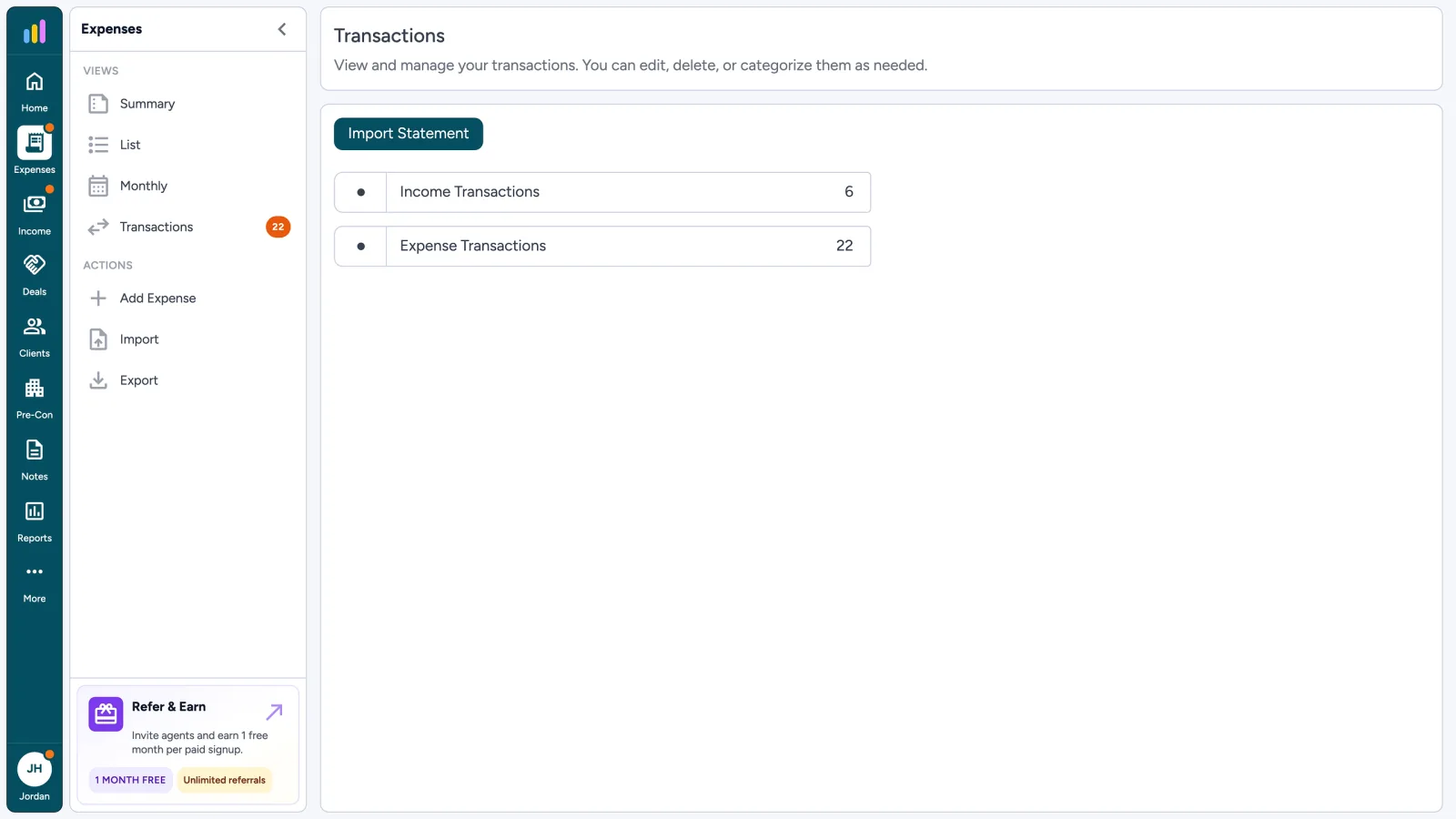
How Expense Categories Work in AgentXpense
- 1
13 Editable Realtor Categories
- 2
AI Suggestions You Can Override
- 3
Same Categories on Scans & Imports
- 4
Labels, Not Tax Advice
What Are Expense Categories for Real Estate Agents?
Expense categories group business spending into consistent labels such as marketing, technology, education, and professional fees. For real estate agents, clear categories make it easier to review spending and hand organized records to an accountant. AgentXpense starts every account with 13 realtor categories and can suggest one when you scan a receipt or import transactions, while you keep the final say.
Categories organize your records. Whether an expense is deductible depends on your situation and the tax rules that apply.
Expense Tracker
Track and manage all your business expenses in one place.
Add Category
Category *
Add Expense
AI suggested a category. You can change it.
AI suggestion - Review the category before saving.
AI-Suggested Categories, With Manual Control
Save time on routine sorting without giving up control. AgentXpense can suggest a category from receipt details, statement imports, and bank-synced transactions. You can pick a different category when you add a line, and recategorize later if a suggestion was wrong.
AI Category Suggestion
Suggests a category from the vendor, even with typos or store numbers. Review it, and change it if it doesn’t fit.
Manual Review and Edits
Every expense form shows the full category list. Confirm the suggestion or choose another category. Your choice always wins.
Keep Expense Categories Consistent Across Your Workflow
- 1
Typed Expenses
Choose the category on the form. The 13 defaults are yours to add to, rename, or delete.
- 2
Receipt Scans
AI reads the vendor, date, amount, tax, and suggests a category. Review the marked fields, then save.
- 3
Statement Imports
CSV, Excel, or PDF rows arrive in a review screen with a suggested category. Change it before you accept.
- 4
Bank Connections
Transactions from your Plaid weekly sync use the same review queue and the same categories.
- 5
Duplicate Checks
New and imported lines are compared by vendor, amount, and date before a second copy is saved.
- 6
What AI Does Not Do
It is not a chatbot and does not file taxes or give legal or accounting advice. Deductibility stays with you and your accountant.
One Place to Review Expenses, Receipts, and Imports
Categories are the foundation. Add expenses manually, scan receipts, import statements, or connect your bank, then review each line and its category before saving so your records stay consistent.
Smart Expense Categories FAQ
Yes. AgentXpense starts every account with 13 realtor expense categories, and you can add to them, rename them, or delete them to match how you track your business.
AgentXpense can suggest a category on receipt scans, statement imports, and bank-synced transactions when it has enough information. You review the suggestion before saving and can change it at any time.
It can. A suggestion is a starting point, not a final decision. If a category is wrong, pick the correct one and recategorize it later if you spot a mistake after saving.
No. AI is used to read receipts and suggest categories. It is not a chatbot.
AgentXpense includes 13 categories made for agents, such as Marketing & Advertising, Vehicle Expenses, Home Office Deduction, Meals & Entertainment, and Legal & Professional Fees. You can edit the list to fit your business.
No. A category is a bookkeeping label that organizes realtor tax deductions you may discuss with your accountant. Deductibility depends on your situation and the tax rules that apply. AgentXpense is not a deduction finder.
No. AgentXpense does not file taxes or provide legal, tax, or accounting advice. It helps organize your records so you and your accountant can review them.
Yes. You get a 30-day free trial with no credit card required.
Start With Realtor Categories. Change Any Line.
No credit card required · 30-day free trial
Start Free Trial2255 Dundas Street West, Suite 207 Mississauga, ON L5K 1R6
© Agent Xpense Inc. All rights reserved.