

Uncategorized
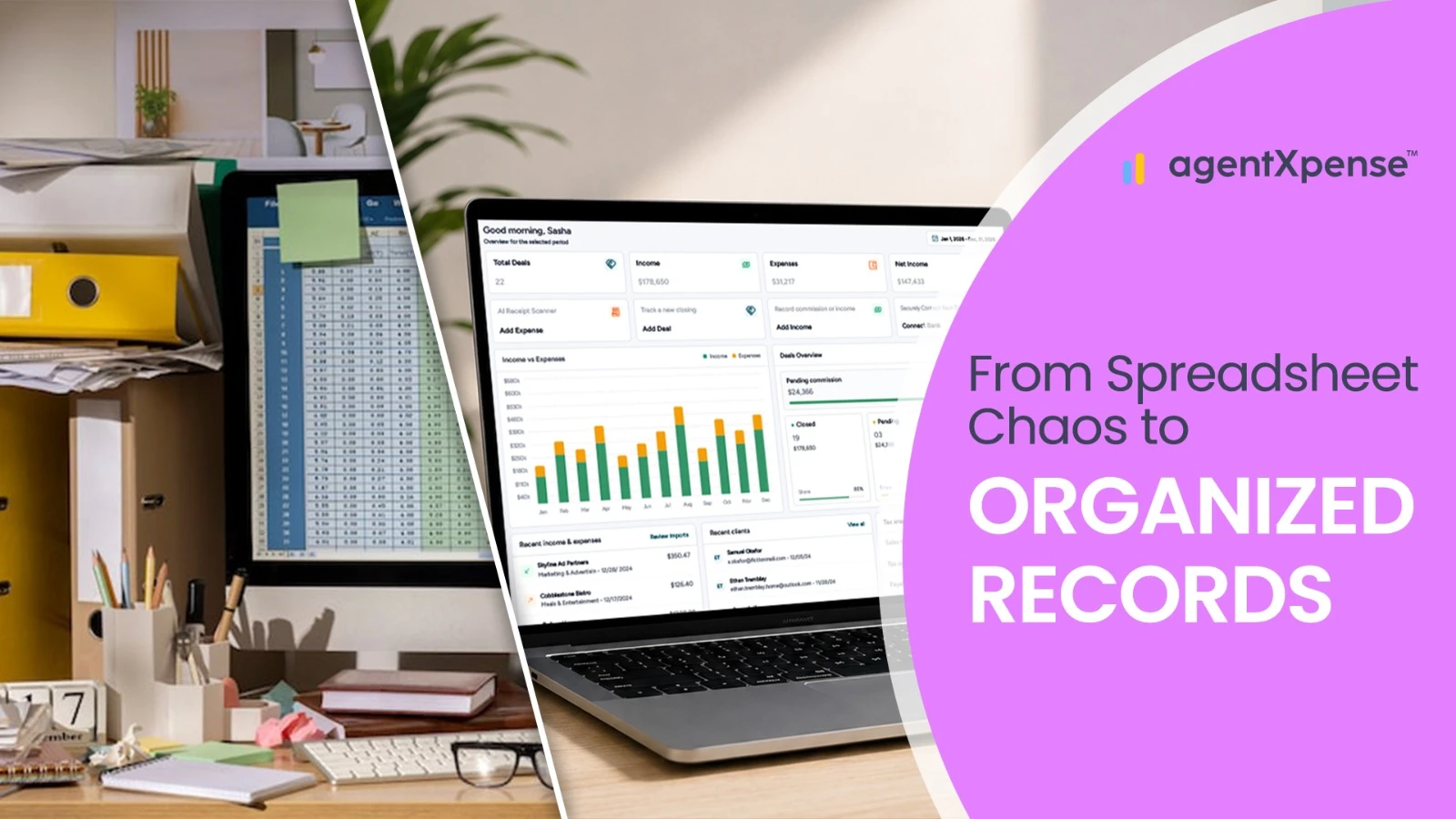
Moving off a spreadsheet or out of QuickBooks feels like it should be simple — export the data, import it somewhere new, done. In practice, commission splits, brokerage deductions, open deals still in progress, receipts tied to specific transactions, and client records don't fit neatly into a generic export file. A rushed migration tends to produce duplicate transactions, missing records, or a commission history that no longer makes sense.
The safer approach is a controlled cutover: pick a clear date, clean up the data that's actually worth bringing over, preserve everything else as an archive, and start recording new activity in the new system from that point forward. This guide walks through how that works for Realtors moving away from spreadsheets or QuickBooks specifically.
Before moving anything, it's worth deciding upfront how much of the old data actually needs to live inside the new platform.
Full history migration | Fresh cutover |
|---|---|
Moves years of transactions into the new system | Starts recording from a specific date forward |
Requires extensive cleaning and category mapping | Requires far less historical cleanup |
Puts long-term reporting in one place | Keeps older reporting in the legacy system or archive |
Higher risk of import errors and duplicate entries | Just needs a clean, agreed cutover point |
For most Realtors, a fresh cutover is the more practical choice. There's rarely much benefit in spending days reformatting years of old spreadsheet rows or QuickBooks entries when those records can simply stay accessible in an archive. A full migration makes more sense only when multi-year reporting inside one platform is genuinely necessary, or there's a specific reason the old data has to live inside the new system.
The cleanest transition usually starts at the beginning of a tax year — January 1 keeps the previous year fully in the old system and starts the new year fresh in the new one. If a mid-year move is necessary, the start of a month or quarter (April 1, July 1) tends to be easier to reconcile than an arbitrary date in the middle of a month, which can split a bank statement in half and make everything harder to check later.
A mid-year cutover does require one extra decision: whether the current year's transactions from January through the cutover date need to be represented somewhere for complete year-to-date reporting, even if they stay in the old system rather than being re-entered.
Importing a messy spreadsheet rarely produces a clean result on the other end — it just moves the mess somewhere new. Before exporting anything, it's worth reviewing for duplicate clients or vendors, personal expenses mixed in with business ones, inconsistent or misspelled vendor names, incorrect transaction dates, blank rows, subtotal or total rows sitting inside the data range, merged cells, currency symbols inside numeric fields, and inconsistent date formats.
For a spreadsheet export, keeping the data in simple, consistent rows and columns makes the biggest difference:
Date | Vendor | Category | Amount | Description |
|---|---|---|---|---|
2026-01-05 | MLS Board | Dues | 250.00 | Annual membership |
2026-01-08 | Zillow | Advertising | 450.00 | Lead generation |
2026-01-12 | Office Depot | Office Supplies | 85.50 | Printing supplies |
Formulas, notes, subtotals, and merged cells mixed into the same range are one of the most common reasons a file fails to import cleanly.
QuickBooks is built around full double-entry bookkeeping — a chart of accounts, a general ledger, a trial balance, a balance sheet. Real estate-focused software like AgentXpense works differently: instead of that full accounting structure, it's organized around categorized income, categorized expenses, deals, and commissions.
That's worth knowing going in, because it changes what actually needs to move. There's no need to replicate a full chart of accounts or general ledger inside AgentXpense — what's genuinely useful to carry over is the practical information: a list of current and recent expenses by category, current client and deal information, and commission history if it's needed for reference. Pulling a Profit and Loss report and a transaction list from QuickBooks before switching gives a clean reference point without needing to import QuickBooks' underlying accounting structure.
Switching to a new system doesn't mean deleting the old one — the previous QuickBooks account or spreadsheet should become the historical archive. In general, US tax record retention guidance points to keeping supporting records for at least three years, with longer retention appropriate in specific situations (such as underreported income or property-related records) — the exact requirement depends on individual circumstances, so this is worth confirming with a tax professional rather than relying on a general rule. Canadian guidance generally calls for retaining books and records for six years from the end of the relevant tax year, with electronic records kept in a readable, accessible format.
Worth saving as part of that archive: expense and income reports, bank and credit card statements, tax returns, closing statements, receipts, commission statements, and the original spreadsheets or QuickBooks export files themselves. It's also worth not depending entirely on continued access to an old subscription — exporting and saving copies locally or in cloud storage is a safer bet than assuming the account will still be reachable years later.
A CSV or spreadsheet export contains transaction data — a date, a vendor, an amount, a category — but it doesn't automatically bring the actual receipt image or PDF along with it. QuickBooks in particular doesn't offer a simple way to bulk-export receipt images attached to individual transactions, so if receipts were being stored there, they need a separate backup plan before the account is downgraded or closed.
Going forward, real estate accounting software should make it easy to attach a receipt directly to a new expense as it's entered — AgentXpense supports this on both expense and income records, so the supporting document and the financial record stay connected from the start, rather than requiring a separate receipts folder to keep track of years later.
One of the more common migration mistakes is trying to reproduce every old category label exactly as it existed in QuickBooks or a spreadsheet. It's usually more useful to review what's actually being tracked and map it onto the new platform's structure instead of carrying over years of inconsistent naming.
Existing description | AgentXpense category |
|---|---|
Zillow Leads | Marketing & Advertising |
MLS Membership | MLS & Association Dues |
Office Printing | Office Rent & Supplies |
Business Mileage | Vehicle Expenses |
Transaction Coordinator | Legal & Professional Fees |
Brokerage Fees | Recorded against the deal's commission, not as a standalone expense |
AgentXpense starts with 13 default expense categories built specifically around real estate work, with custom categories available for anything that doesn't fit — the goal is a consistent structure going forward, not a category-by-category recreation of the old system. Exact tax treatment still depends on individual circumstances and should be reviewed with an accountant or tax professional.
Commission income needs particular care during a migration, because the most common mistake is recording only the amount that reached the bank account. Consider a simplified example: a $10,000 gross commission, a $2,000 brokerage split, $500 in other transaction fees, and a $7,500 net deposit. If only the $7,500 gets recorded going forward, the reporting no longer reflects the full commission activity or the deductions behind it.
This is exactly the distinction AgentXpense's Deals module is built around — when a deal is marked Pending or Closed, the agent commission, the brokerage deduction, and the net pay are recorded as separate fields, rather than collapsing into a single deposit figure. Carrying that same discipline into the new system from day one avoids quietly losing part of the commission history in the transition.
Closed, historical transactions and current open deals aren't really the same kind of data. An active listing or a deal under contract carries information a basic expense spreadsheet was never built to hold — property address, buyer or seller, expected commission, brokerage deductions, and an expected closing date.
Rather than trying to import an open deal as another spreadsheet row, it's generally more reliable to recreate active transactions directly in the new platform's deal workflow — in AgentXpense, that means adding the deal under Sellers, Buyers, or Leases with its current status, so it has a clean starting point to track through to closing rather than starting life as a slightly awkward import.
Duplicate transactions are one of the easiest problems to accidentally create during a migration. If a spreadsheet contains transactions through June 30 and a bank feed then gets connected starting from June 1, those overlapping days can show up twice.
A safer sequence: clean the historical data that's actually being kept, import it if needed, and only then connect a live bank feed — checking carefully what date it starts pulling from, so nothing already recorded gets downloaded a second time. AgentXpense's duplicate detection compares vendor, amount, and date on new entries and flags likely repeats before they're saved, which adds a safety net on top of a careful cutover sequence, though a clean starting sequence is still the better first line of defense.
For US Realtors, keeping expenses categorized consistently makes tax preparation considerably easier, and vendor records are worth keeping organized for any contractor payments that may require tax reporting — the specific thresholds and forms involved can change, so this is worth confirming with a tax professional or current IRS guidance rather than relying on a fixed number here.
Canadian Realtors have the added layer of GST/HST. Records should distinguish commission income from GST/HST collected on it, and separately track GST/HST paid on eligible business expenses. AgentXpense's tax type field (None, Inclusive, Exclusive) applies to both income and expenses and feeds into the sales tax figures shown in Reports, which helps keep this information organized — though the platform doesn't handle every possible GST/HST filing method or calculate remittances automatically, so anything beyond basic organization should go through a Canadian tax professional.
A migration isn't finished the moment the import completes. It's worth running a side-by-side check between the old and new systems: does total income for the migration period match, do expenses match once categories are mapped, are all currently open deals present in the new system, are client records free of unnecessary duplicates, and is the historical receipt archive actually accessible.
For a January 1 cutover, comparing opening figures against the previous year's closing reports is usually enough. For a mid-year move, comparing year-to-date totals between the two systems for the same period is worth the extra care.
A few questions tend to reveal whether a platform actually fits a real estate workflow or just accepts generic spreadsheet data: Can historical CSV or Excel files be imported, and how are the columns mapped? How are current open deals handled — as a spreadsheet import, or built directly into the platform's own deal workflow? Can commission be tracked as gross, brokerage deduction, and net pay separately, rather than one blended deposit? How are receipts stored and attached to specific expenses or income? Does the platform support the sales tax handling needed for Canadian operations? And is the data exportable later, in case of a future switch?
AgentXpense is built around a simpler structure than full accounting software, which tends to make the migration itself more contained. Statements can be imported through CSV, Excel, or PDF — CSV and Excel files use AI-assisted column mapping to match dates, vendors, and amounts automatically, while PDF statements go through OCR and AI extraction. Everything lands in Transaction Review first, so categorization and tax type get confirmed before anything becomes part of the ledger, and duplicate detection flags likely repeat entries along the way.
Commission income stays connected to the deal it came from — agent commission, brokerage deduction, and net pay recorded as separate fields rather than one deposit number — and receipts can be attached directly to both expenses and income as they're entered. Existing categories cover common real estate expenses by default, with custom categories available for anything specific to how an agent works, and Reports pull income, expenses, net income, and sales tax figures together for whatever period is needed going forward.
None of this replaces the judgment involved in a careful migration — cleaning data, choosing a sensible cutover date, and preserving the old records still matter regardless of which platform is on the receiving end. What a simpler, real estate-specific structure does is reduce how much needs to be forced into a shape it was never designed to hold.
Switching away from spreadsheets or QuickBooks doesn't require rebuilding every financial record ever created. A controlled cutover — cleaning the data actually worth keeping, verifying what's being carried forward, preserving the rest as an archive, rebuilding open deals directly rather than importing them, and starting new activity in a system built around how real estate income and expenses actually work — tends to produce a far cleaner result than trying to force years of history through an import process that wasn't designed for it.
AgentXpense supports importing financial data through CSV, Excel, and PDF, with AI-assisted column mapping for spreadsheet files. Historical QuickBooks exports can be cleaned and imported the same way, though open deals are generally better recreated directly in the platform rather than imported as spreadsheet rows.
For most Realtors, starting fresh from a clean cutover date is simpler and lower-risk than importing years of historical transactions. The old spreadsheet or QuickBooks account can remain accessible as an archive for anything from before that date.
January 1 is usually the cleanest choice, since it keeps the full previous tax year in the old system. If a mid-year switch is necessary, the start of a month or quarter tends to be easier to reconcile than an arbitrary mid-month date.
Clean and import historical data first, establish a clear cutover date, and only then connect a live bank feed — checking that its start date doesn't overlap with anything already recorded. AgentXpense's duplicate detection also flags likely repeat entries by vendor, amount, and date.
No. A financial data export contains transaction details, not the receipt images themselves. QuickBooks in particular doesn't support bulk-exporting attached receipts, so those need to be backed up separately before an old account is closed or downgraded.
Commission should be tracked as gross commission, brokerage deductions, and net pay — not just the final bank deposit — so the full transaction history stays accurate. AgentXpense records these as separate fields tied to each deal.
No. AgentXpense doesn't use a full chart of accounts and general ledger the way QuickBooks does — it's organized around categorized income, categorized expenses, deals, and commissions, so there's no need to replicate QuickBooks' underlying accounting structure.
How long should I keep my old spreadsheets or QuickBooks records after switching?
General guidance suggests keeping US tax records for at least three years, longer in some circumstances, and Canadian records for six years from the end of the relevant tax year — though the exact requirement depends on individual circumstances and is worth confirming with a tax professional.
Uncategorized
AI & Technology - Oct 5, 2026

AI & Technology - Sep 30, 2026
Use AI to Evaluate AgentXpense
Open a pre-filled prompt in your favorite AI
2255 Dundas Street West, Suite 207 Mississauga, ON L5K 1R6
© Agent Xpense Inc. All rights reserved.